Community
 Video Library
 Agent Training
 Freshservice
 Freshdesk
 Freshchat
 Freshcaller
 Freshsales
 Freshteam
 Freshworks Neo
 Freshsurvey
 Freshservice for MSP
 Note: Available only for new signups after the 31 March, 2026 release. If you signed up earlier, refer to the existing ITAM documentation.
Microsoft Dynamic Host Configuration Protocol (DHCP) is a service provided by the Microsoft Windows Server operating system. DHCP is a network management protocol used to dynamically assign IP addresses and other network configuration parameters, like the subnet mask, default gateway, and DNS servers, to devices on a network.
This article explains how to use Microsoft DHCP Discovery to automatically populate records of discovered DHCP servers, IP addresses, and subnets. It covers protocol selection, discovery methods, and additional configuration options for managing DHCP data.
Configure discovery protocol
Microsoft DHCP Discovery uses WMI by default, but WinRM is also supported. To configure the discovery protocol, follow these steps:
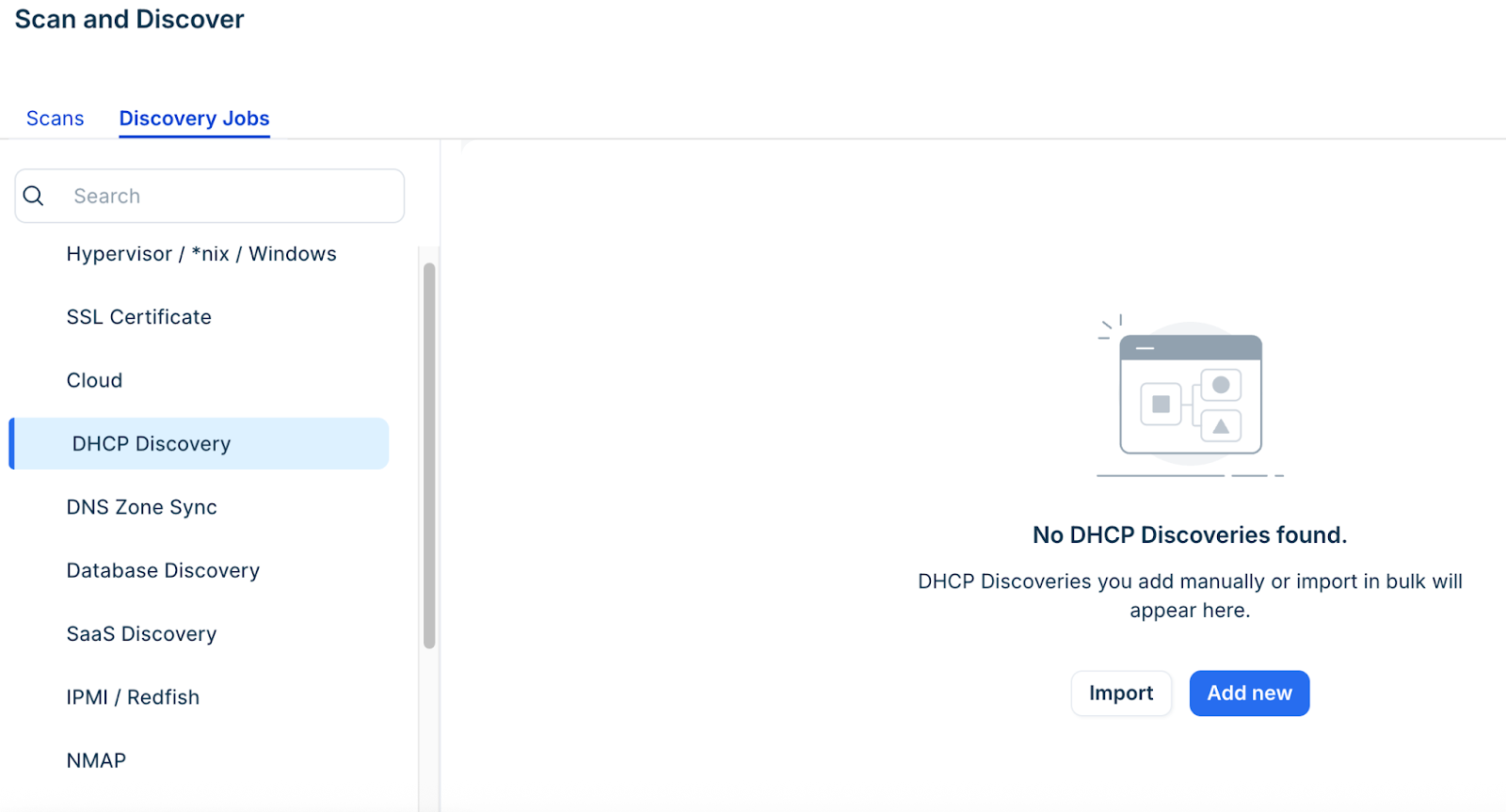
Go to Admin > Asset Management > Scan and discover > click the Discovery Jobs tab.
Select DHCP Discovery from the list of discovery jobs and click Add new.
If you select WinRM, the URL prefix and Port fields default accordingly. If you do not enable Discovery Using WinRM, pair a WDS with the selected Remote Collector to use WMI.
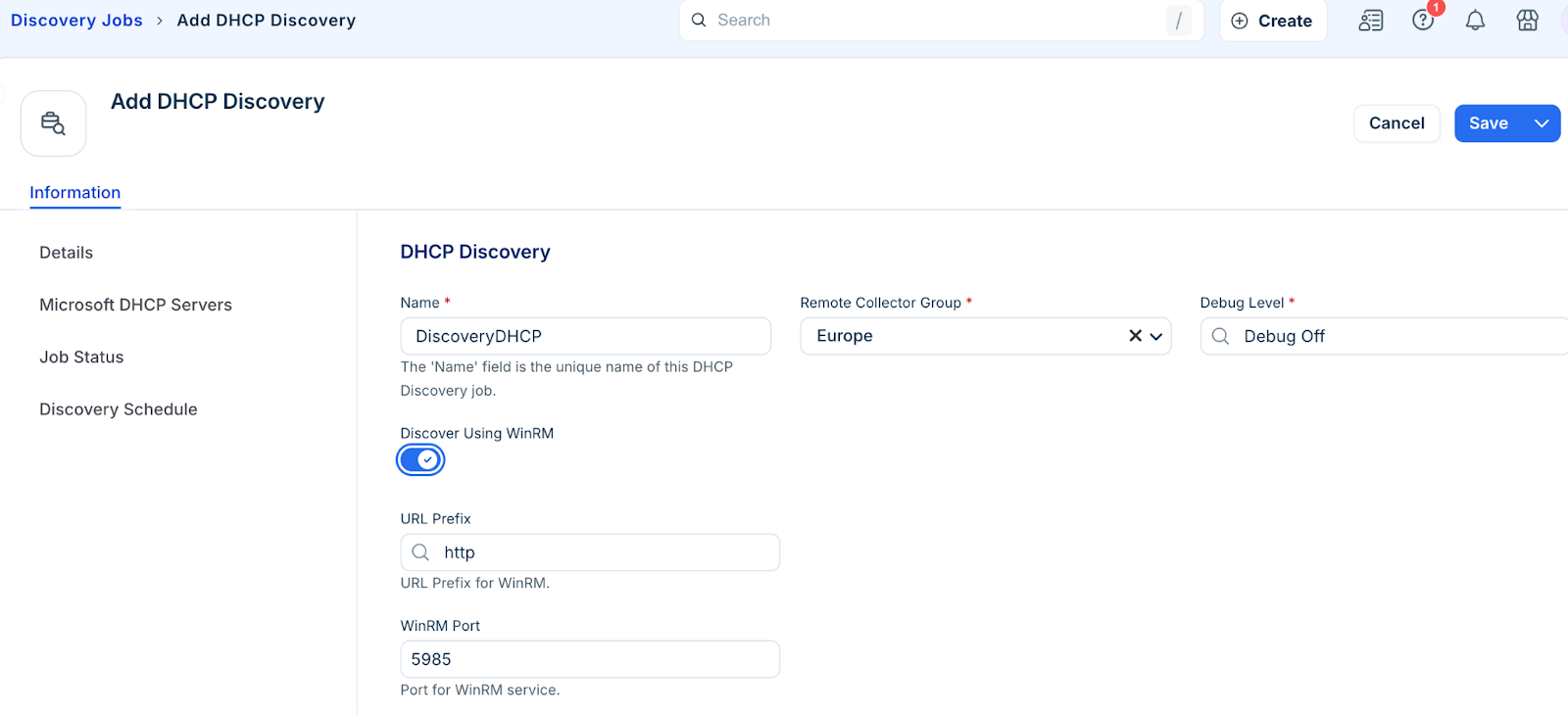
Note: Although WinRM is fast and Microsoft's preferred protocol, do not necessarily update existing jobs to use WinRM, as NTLM is currently used (v19.06), which Microsoft is in the process of deprecating. Kerberos will be used in the near future.
Enter a Microsoft DHCP server and associated credential.
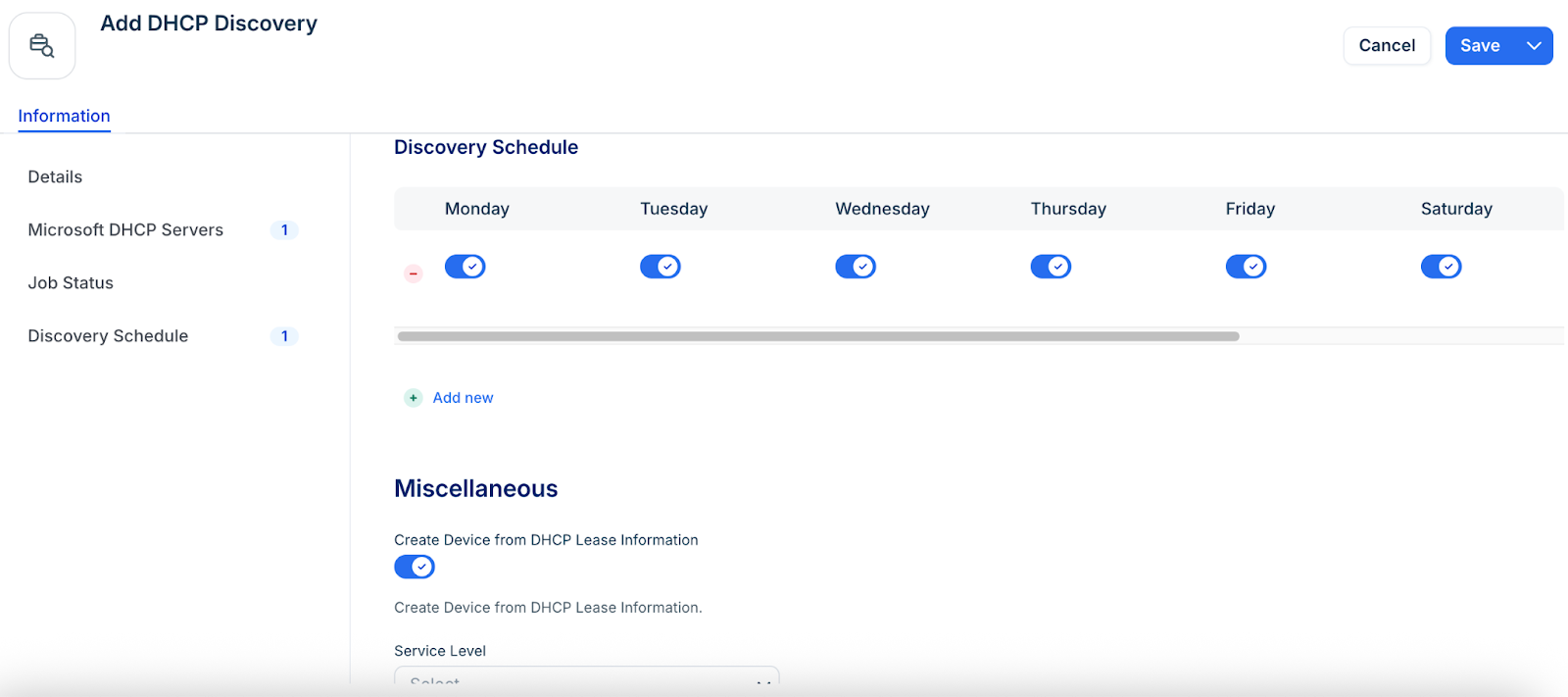
Set a schedule to run the job automatically.
Disable the default Create Device from DHCP lease information toggle.
Set a Service Level.
Select a customer that you can link to the discovered items.
Select a VRF Group for subnets.
Set a Subnet Category for discovered subnets.