Community
 Video Library
 Agent Training
 Freshservice
 Freshdesk
 Freshchat
 Freshcaller
 Freshsales
 Freshteam
 Freshworks Neo
 Freshsurvey
 Freshservice for MSP
 Note: Available only for new signups after the 31 March, 2026 release. If you signed up earlier, refer to the existing ITAM documentation.Parts management offers granular control over individual components within your hardware. Parts can be inserted into dedicated part slots on a parent device, allowing for precise tracking of hardware upgrades and movements.
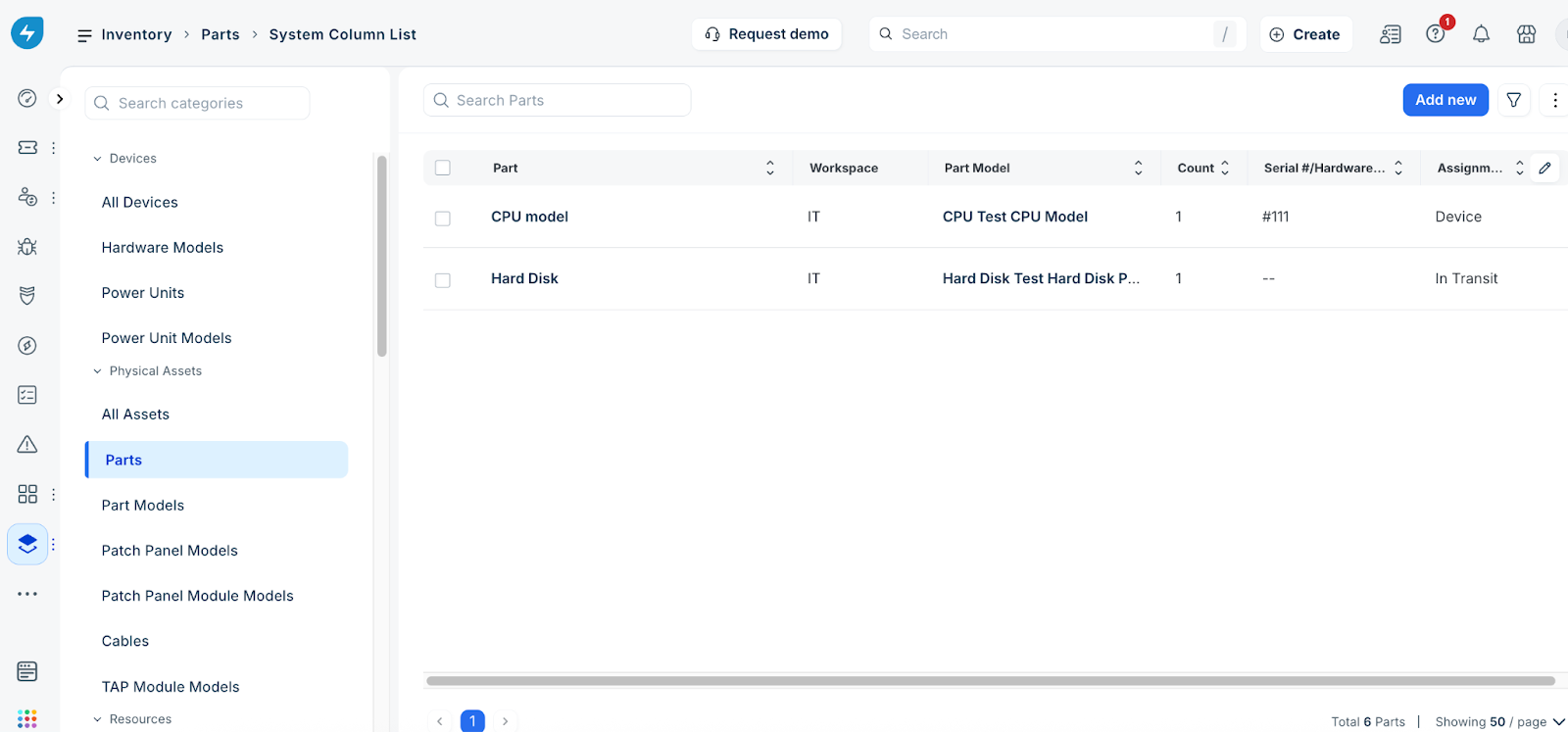
To manage your part inventory, go to IT asset management > Inventory > Parts. On the Parts page, you can view the list of part records, add a new record, filter existing records, and import part data.