Community
 Video Library
 Agent Training
 Freshservice
 Freshdesk
 Freshchat
 Freshcaller
 Freshsales
 Freshteam
 Freshworks Neo
 Freshsurvey
 Freshservice for MSP
 TABLE OF CONTENTS
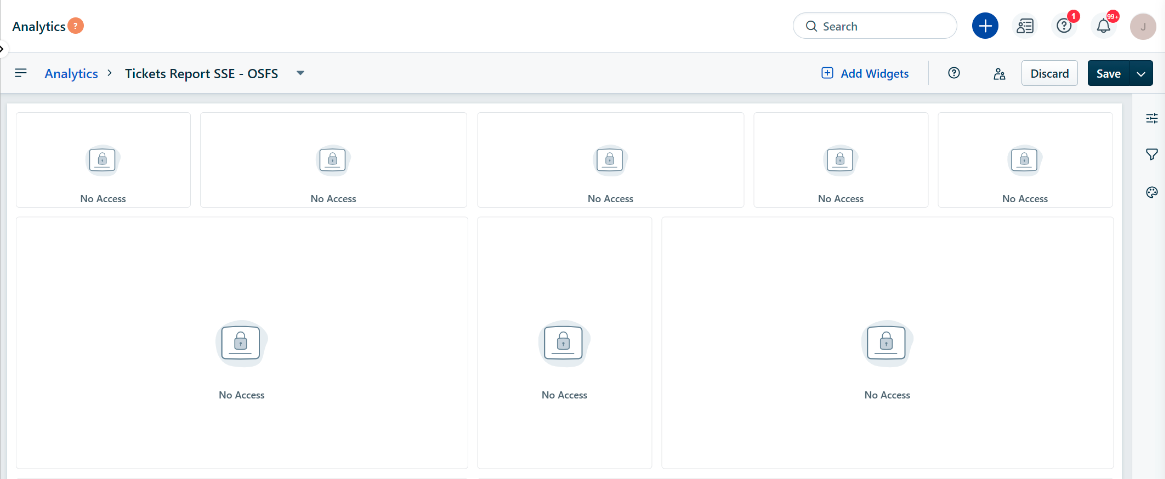
If you see a "No Access" message within a report widget instead of the expected data, your user role likely lacks the permissions required to view that specific data module.
Use this guide to navigate the system and update the necessary permissions.
Why the "No Access" message appears
This error occurs when you attempt to access data from a module that your role is not authorized to view. Common scenarios include:
Module Restrictions: You try to access ticket reports, but your role lacks the permission to view ticket data.
Global Module Restrictions: You attempt to view a widget that is filtered or grouped by Agent Name or Group Name. If your role lacks access to the Agent or Group global modules, the widget displays "No Access."
Grant report access
Ensure that you have Admin privileges to update role permissions. To provide access to reports, follow these steps:
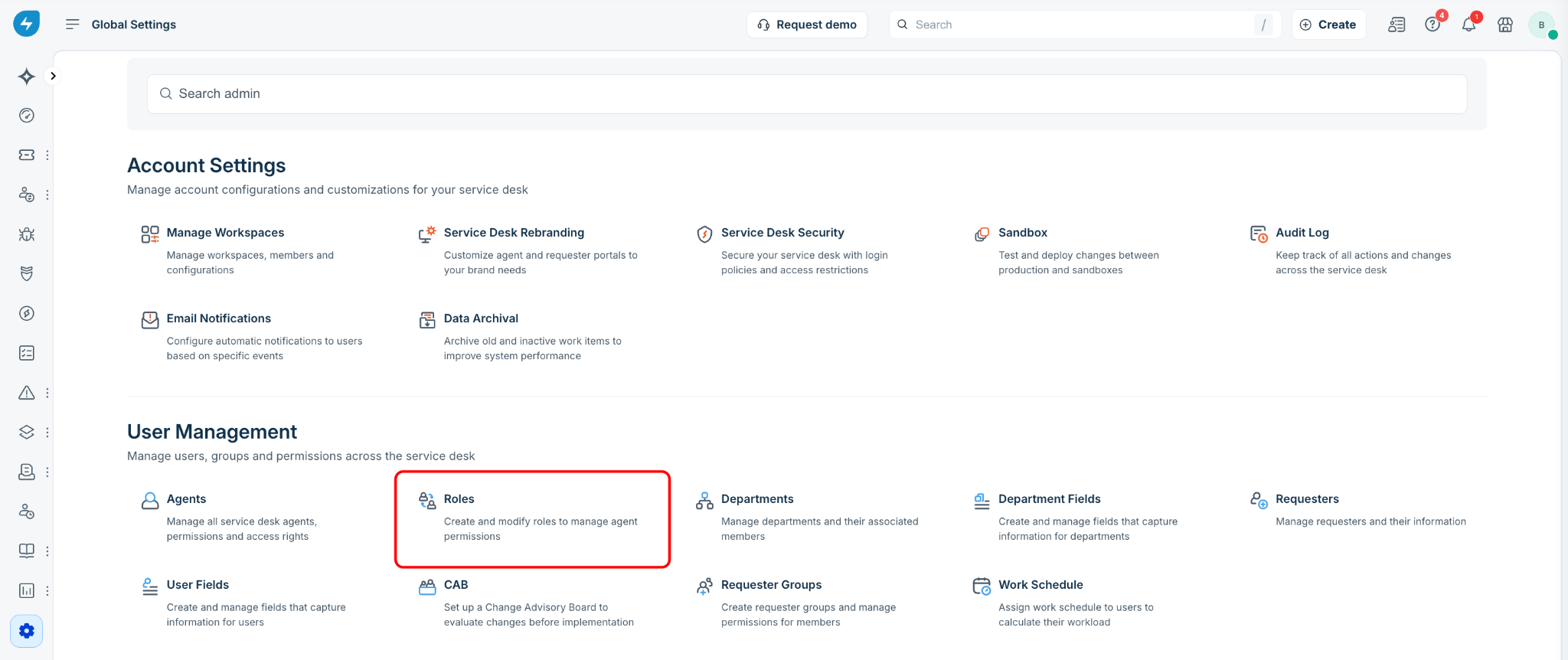
Go to Global Settings > Roles.
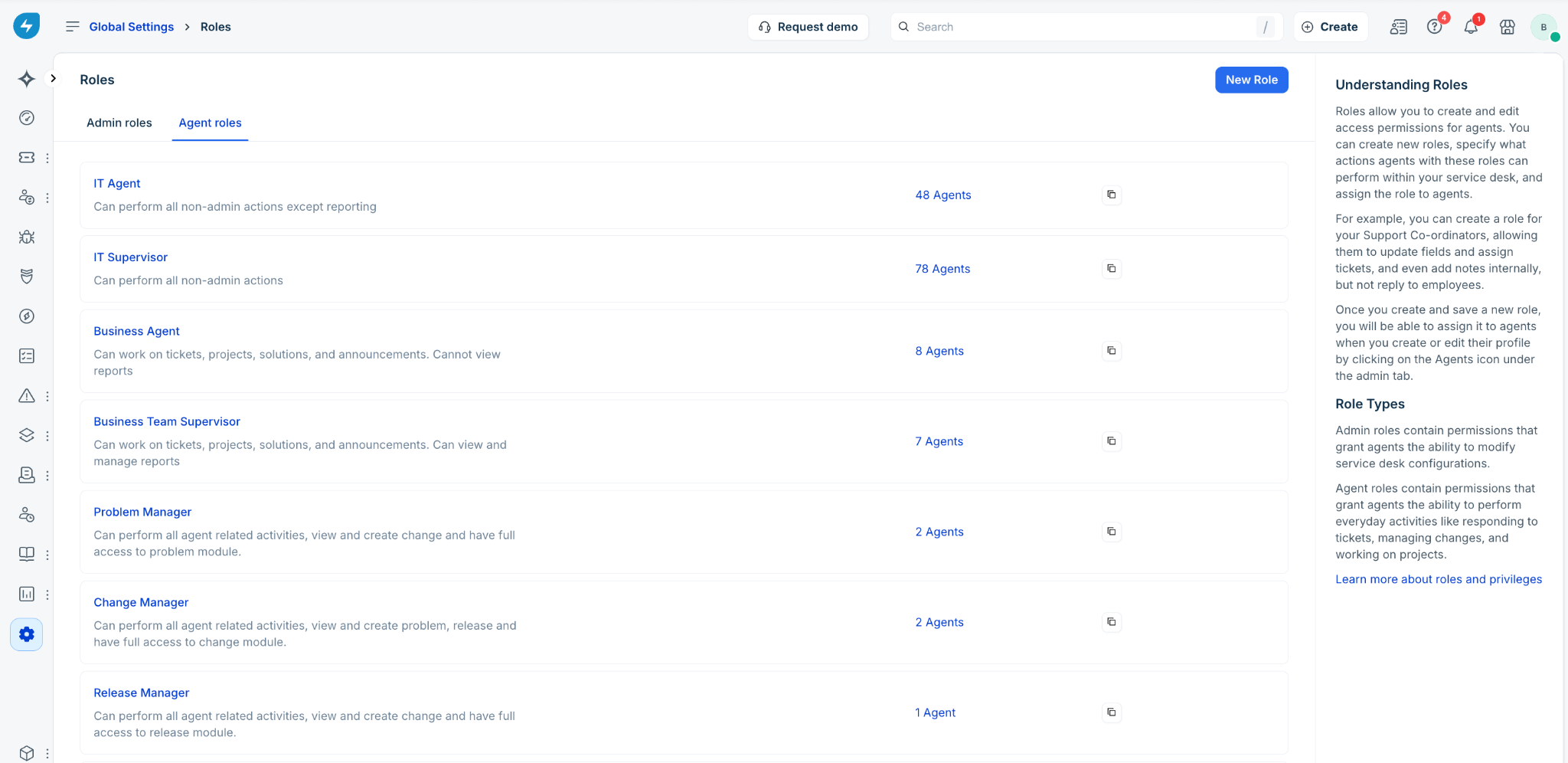
Select Admin roles or Agent roles, depending on the role category you want to update.
Click the specific role you want to modify (for example, IT agent).
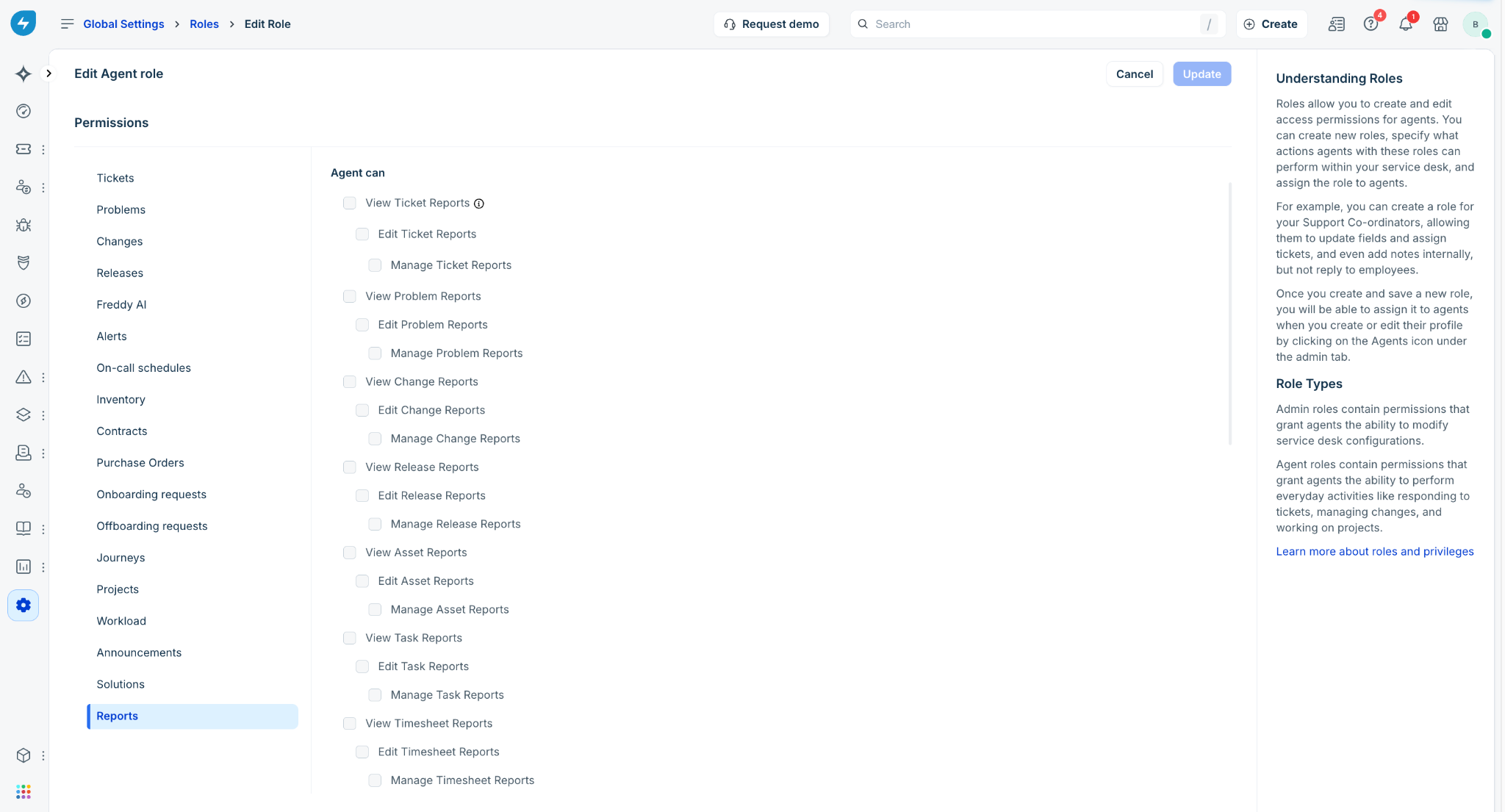
In the left panel, under Permissions, select Reports.
Select the check boxes to enable the required permissions for the role.
Example: To allow an agent to see data in a widget, select View User Reports.
Example: To allow an agent to modify report structures, select Edit or Manage.