
 Community
 Video Library
 Agent Training
 Freshservice
 Freshdesk
 Freshchat
 Freshcaller
 Freshsales
 Freshteam
 Freshworks Neo
 Freshsurvey
 Freshservice for MSP
 If you are a Freshservice IT Operations Management user, you can enhance your incident management workflows by integrating FireHydrant. FireHydrant enables development and site reliability engineering teams to manage incidents with structured processes, guided response actions, and real-time collaboration. It helps teams respond faster, coordinate efficiently, and minimize service disruptions.
When used with Freshservice, FireHydrant complements your service desk by bringing deeper incident response capabilities. While Freshservice continues to act as the system of record, FireHydrant helps orchestrate incident response by connecting the right teams, context, and actions at the right time. Use the following steps to get started with FireHydrant.
Log in to Freshservice as an administrator.
Go to Freshservice Switcher > Explore Other Products.
Select FireHydrant.
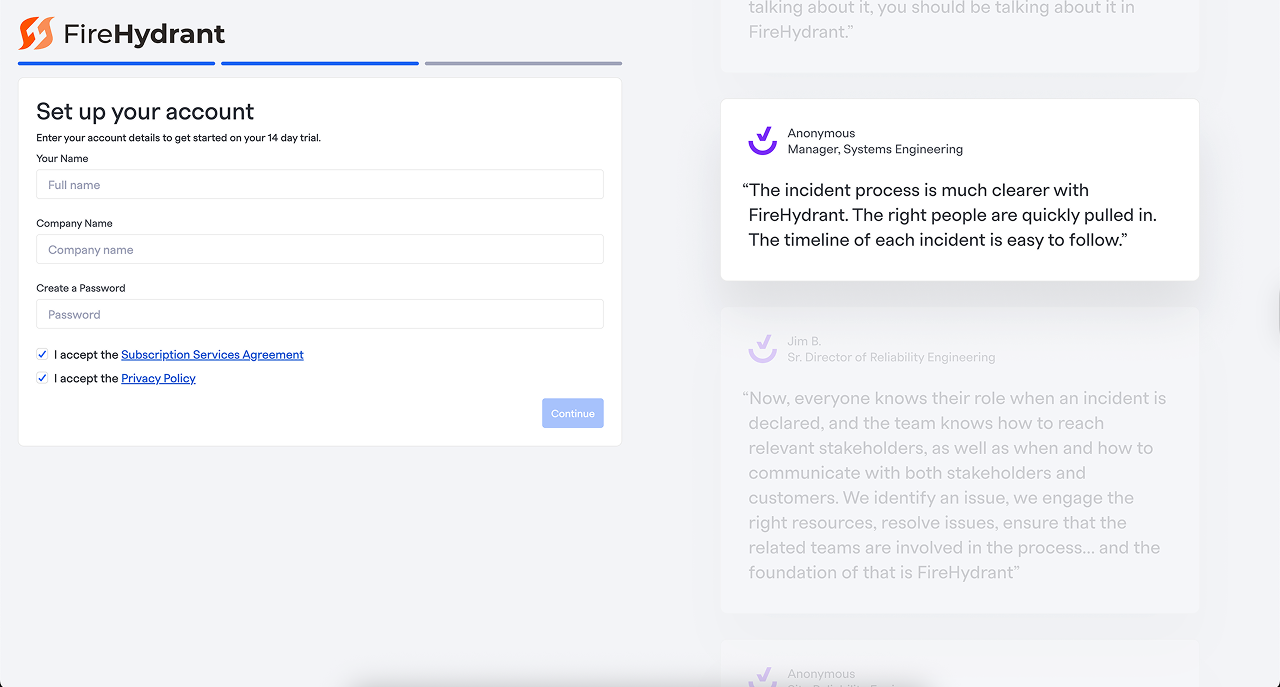
Fill in the Set up your account form.
Click Continue.
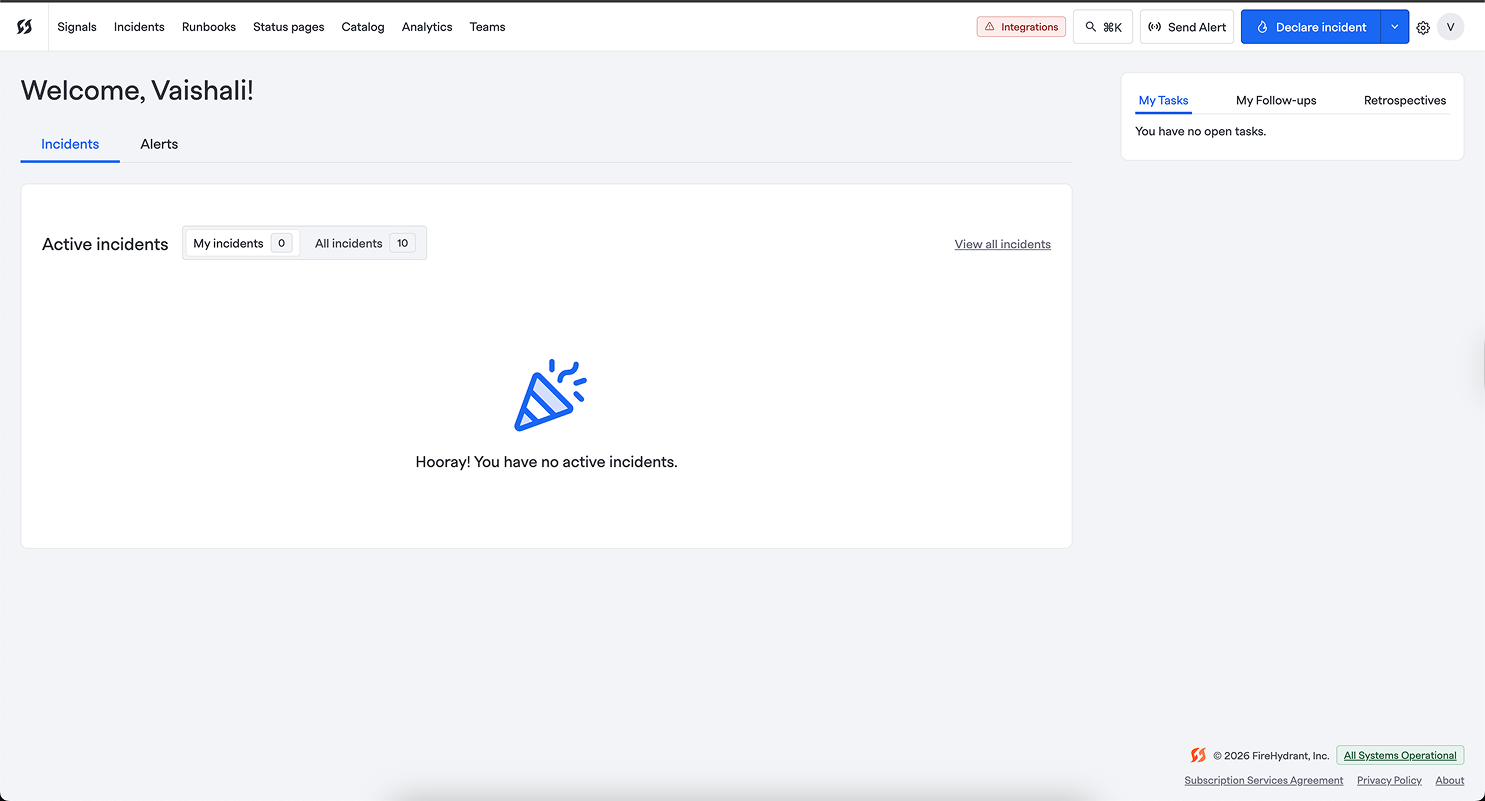
You are redirected to the FireHydrant Welcome page.

After you get access to FireHydrant, you can integrate Freshservice with FireHydrant to automate incident response and improve team coordination. For more information, see.
Learn more about FireHydrant and the pricing.