
 Community
 Video Library
 Agent Training
 Freshservice
 Freshdesk
 Freshchat
 Freshcaller
 Freshsales
 Freshteam
 Freshworks Neo
 Freshsurvey
 Freshservice for MSP
 TABLE OF CONTENTS
Executive Insights is available only to agents with the Executive Insights role or a custom role that includes the Freddy AI - Access Executive Insights permission.
If you see Available for Executive roles only, your role does not include the required permission.
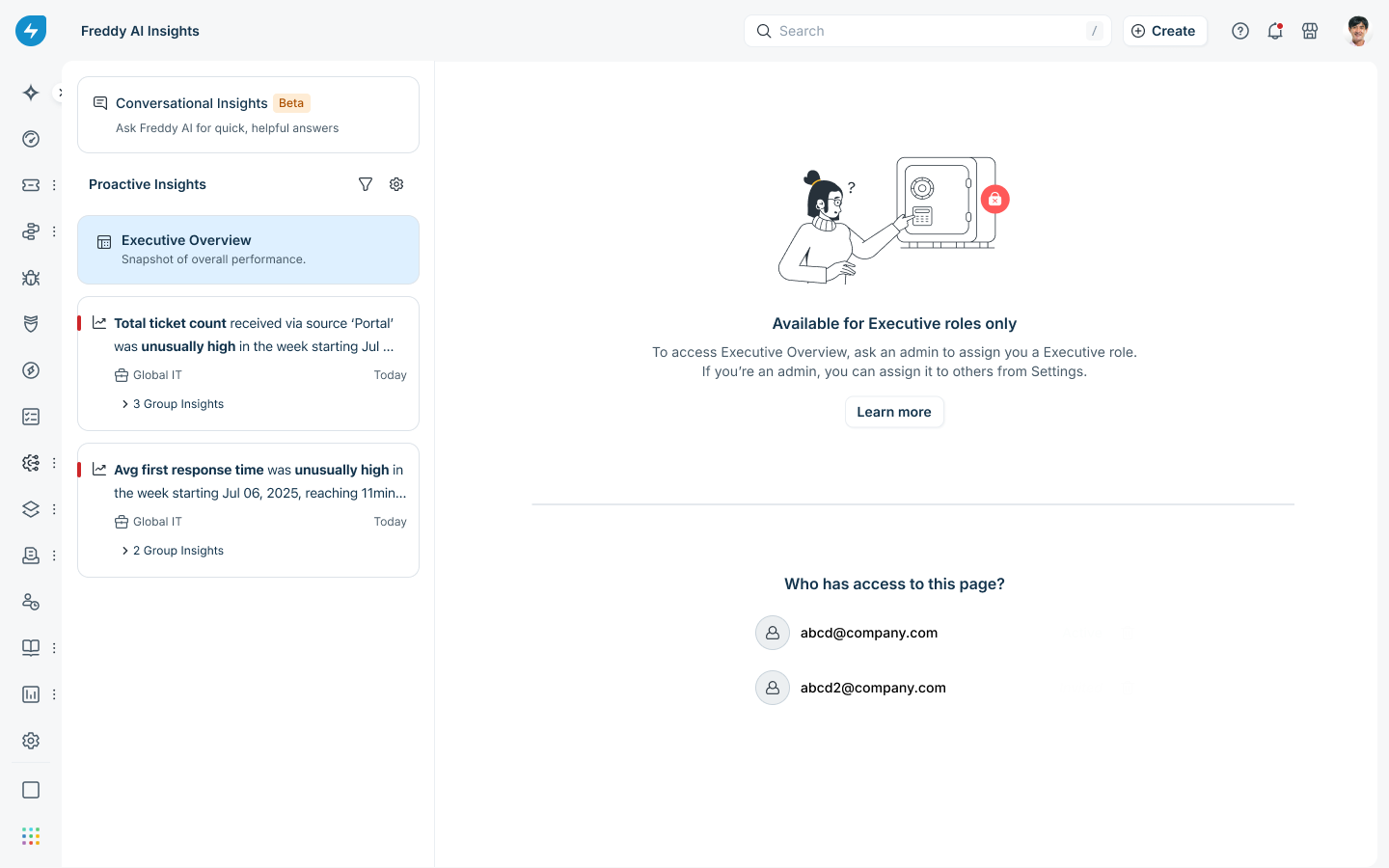
Request access
Contact your Account Administrator to request the Executive Insights role. After the role is assigned, refresh the page or reopen AI Insights & Analytics from the Freddy AI icon.
Assign the Executive Insights role
Only Account Administrators can assign this role.Video walkthrough
Watch the following video for a walkthrough of assigning the Executive Insights role to an agent.
Steps to assign the Executive Insights role
To assign the Executive Insights role to an agent, follow these steps:
Go to Global Settings > Admin Settings.
Under User Management, select Agents.
Select the agent to whom you want to assign the Executive Insights role.
Select the Permissions tab.
Under Workspace Permissions, select the Edit Permissions icon.
Under Roles, select Add Role, and then select Executive Insights.
If workspaces are enabled for you, then set the scope to Across the Workspace.
If workspaces are disabled for you, then set the scope to Across all groups in the service desk.
Select Save.
Note: To combine Executive Insights access with other permissions, create a custom role and add the Freddy AI - Access Executive Insights permission.