
 Community
 Video Library
 Agent Training
 Freshservice
 Freshdesk
 Freshchat
 Freshcaller
 Freshsales
 Freshteam
 Freshworks Neo
 Freshsurvey
 Freshservice for MSP
 A Service represents any communication process between a listener and a client discovered via netstat during the scanning process.
This article provides an overview of how services are discovered and categorized within the inventory, helping you distinguish between unique service types and their individual running instances.
Discovery identifies these processes to provide visibility into which applications are running across your infrastructure and how many instances of each exist. This categorization is essential for identifying widely deployed applications or noisy monitoring agents that may impact performance or security.
View and manage services
To access the centralized list of all services, in the side bar click Applications > Services > All Services list. Use the All Services list page to view which services are running across your infrastructure and how many instances of each exist. Additionally, view widely-deployed applications and monitoring agents.
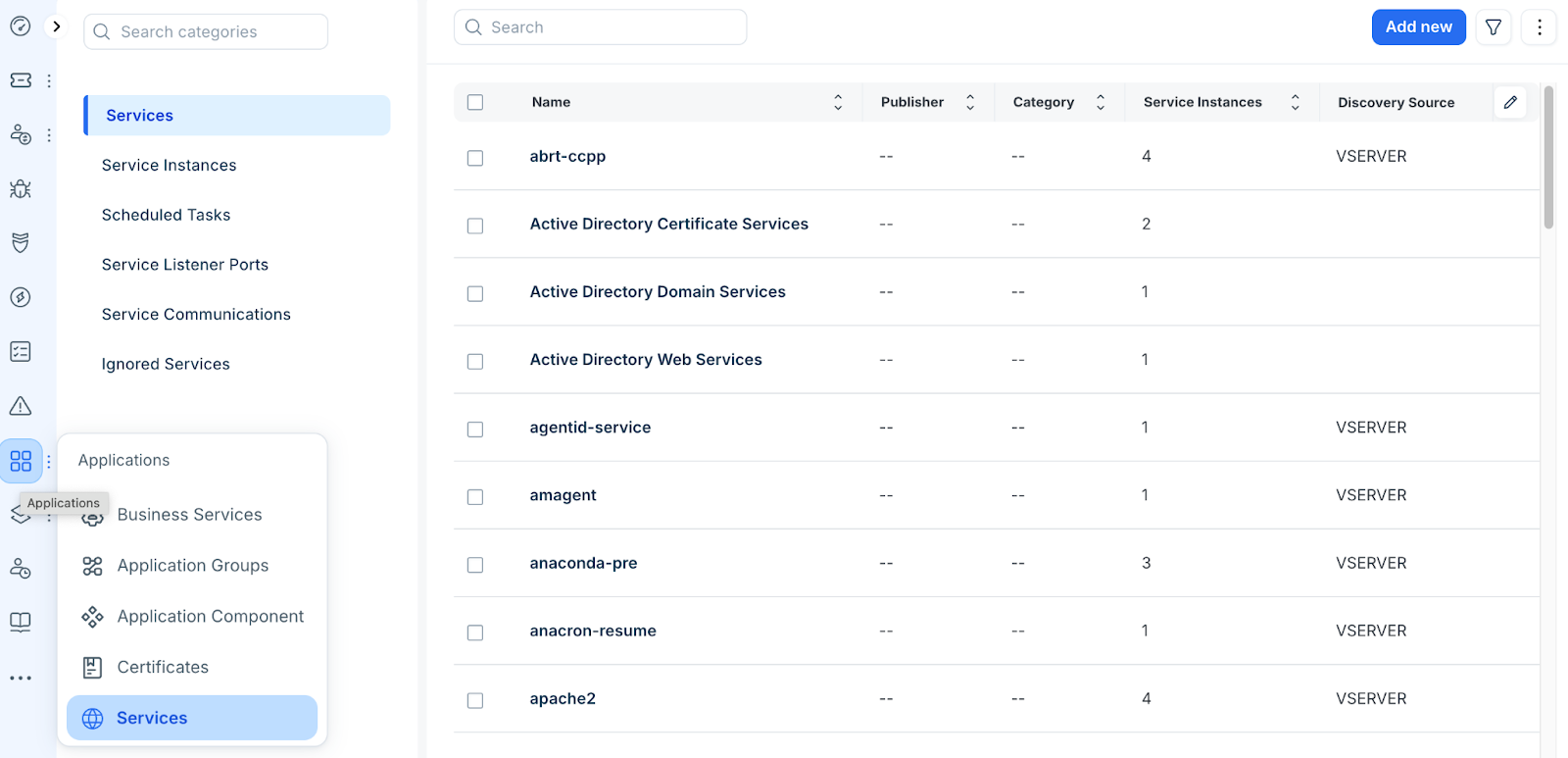
Distinguish between All Services and Service Instances
Understand the hierarchical relationship between service definitions and their active deployments. The inventory separates service data into two distinct views to help you analyze your environment: