Community
 Video Library
 Agent Training
 Freshservice
 Freshdesk
 Freshchat
 Freshcaller
 Freshsales
 Freshteam
 Freshworks Neo
 Freshsurvey
 Freshservice for MSP
 Service listener ports represent the specific network endpoints where a service is configured to accept incoming communication. Each listener port record identifies the intersection of an IP address, a port number, and a protocol on a specific device.
This article provides an overview of service listener ports and instructions on how to manage these network entry points to maintain an accurate map of your service connectivity.
View service listener ports
Access the centralized list of all identified network entry points to review their configurations.
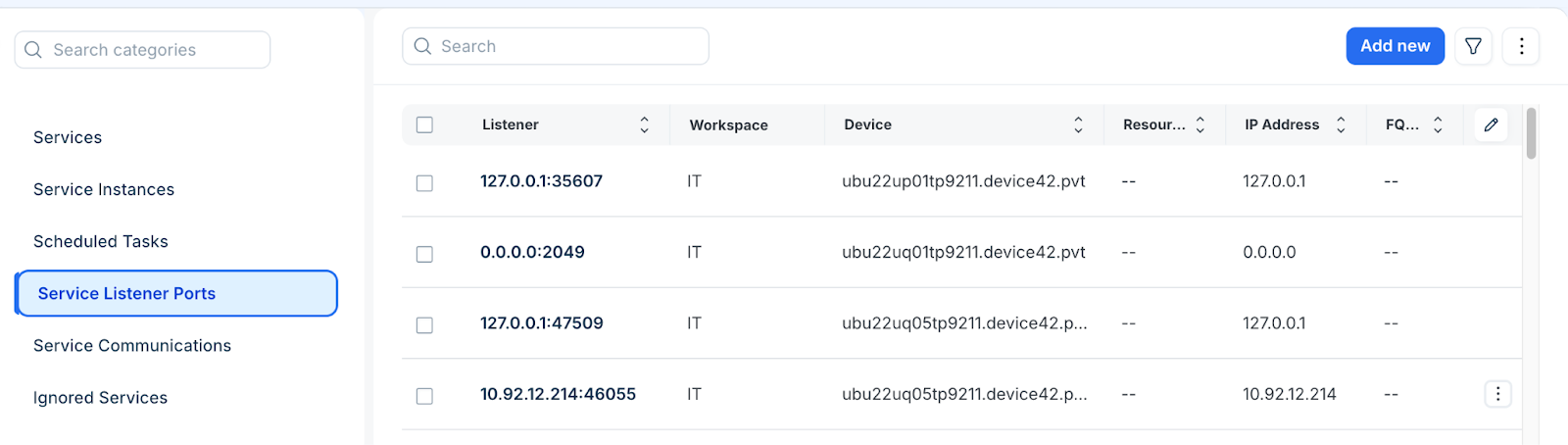
Go to Applications > Services > Service Listener Ports to open the list.
Review the active listeners, including their associated devices and network details.
Click on a specific Listener Port IP to edit the configuration of an existing entry.
Perform bulk actions
Apply changes to multiple listener port records simultaneously using the actions menu.
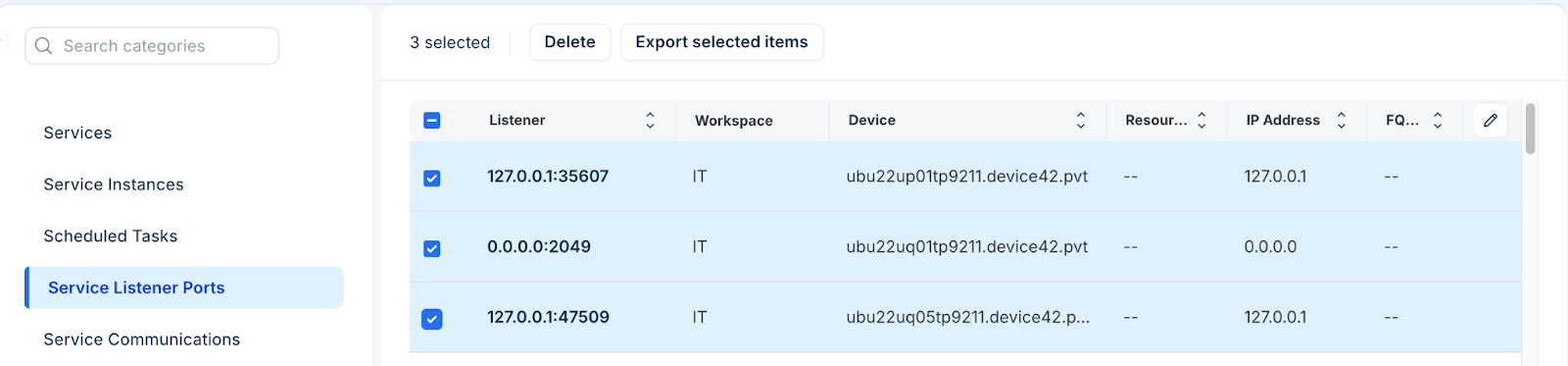
Select one or more entries from the Service Listener Ports list page.
Select the relevant action, such as; delete or export records.
Add a service listener port
Create a new listener record to manually track network entry points that were not captured during discovery.
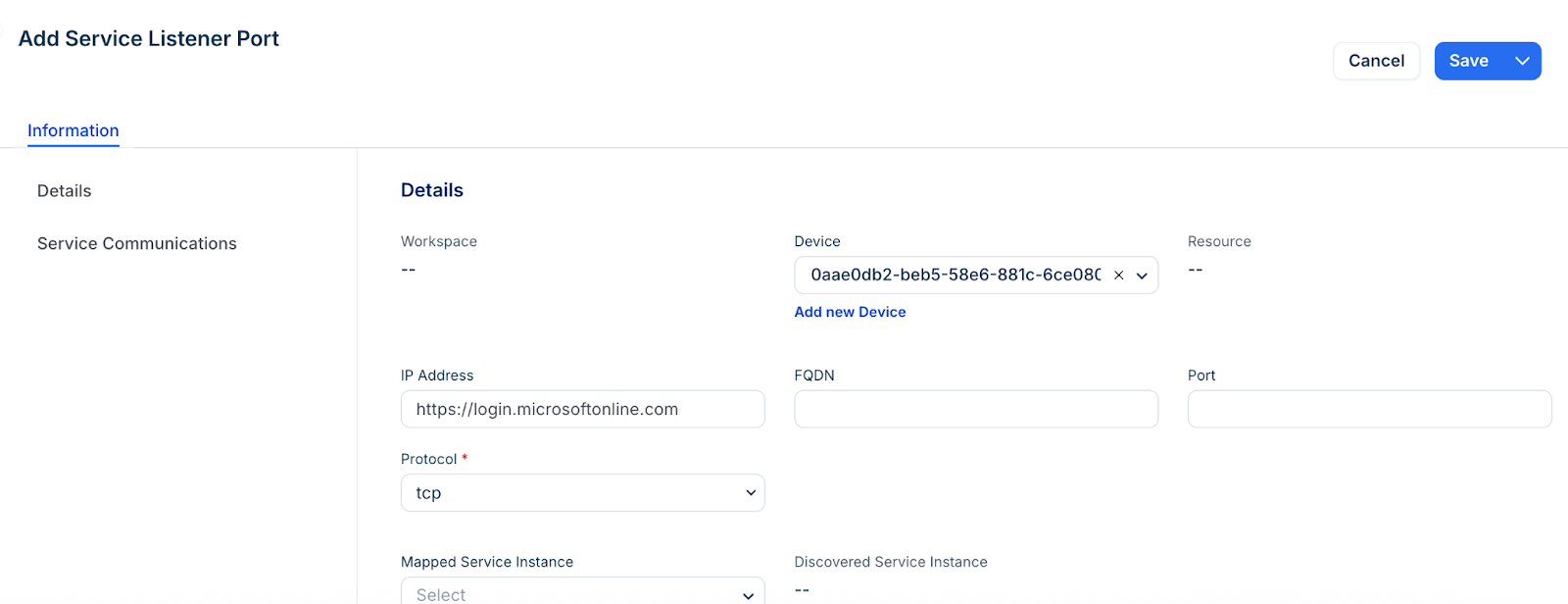
Click Add new from the Service Listener Ports list page.
Click Device to open the selection dialog. Select an existing device or add a new one if necessary.
Click on the name of the device to associate it with the listener.
Enter the IP Address, the Port number, and select the Protocol. For example TCP or UDP.
Enter any additional information required for the record.
Click Save.